Delete duplicate photos on iPhone: Apple's method and what it misses
In short
- iOS finds exact copies: Photos › Utilities › Duplicates › Merge.
- It ignores near-identical photos, bursts and re-compressed images (WhatsApp, edits).
- For those, you need to compare photos with each other and pick which one to keep.
The built-in iOS method
- Open Photos and scroll to the Utilities section (or Other, depending on your iOS version).
- Tap Duplicates. Each group shows the copies found.
- Tap Merge on a group, or Select › Select All › Merge to handle everything.
- iOS keeps a single version and moves the others to Recently Deleted.
Don't see Duplicates?
Either iOS found no exact copies, or it hasn't finished analysing your library. The analysis mostly runs while the iPhone is locked and charging: leave it plugged in overnight.
What Apple's tool doesn't see
- Near-identical photos: three versions of the same smile taken a second apart aren't exact copies.
- Bursts: iOS files them separately, but doesn't help you keep the best one.
- Re-compressed images: a photo re-sent over WhatsApp or edited no longer has the same pixels as the original, so iOS doesn't treat it as a duplicate.
That's often where most of the mess hides: whole series of near-identical photos.
Handle similar photos and bursts too
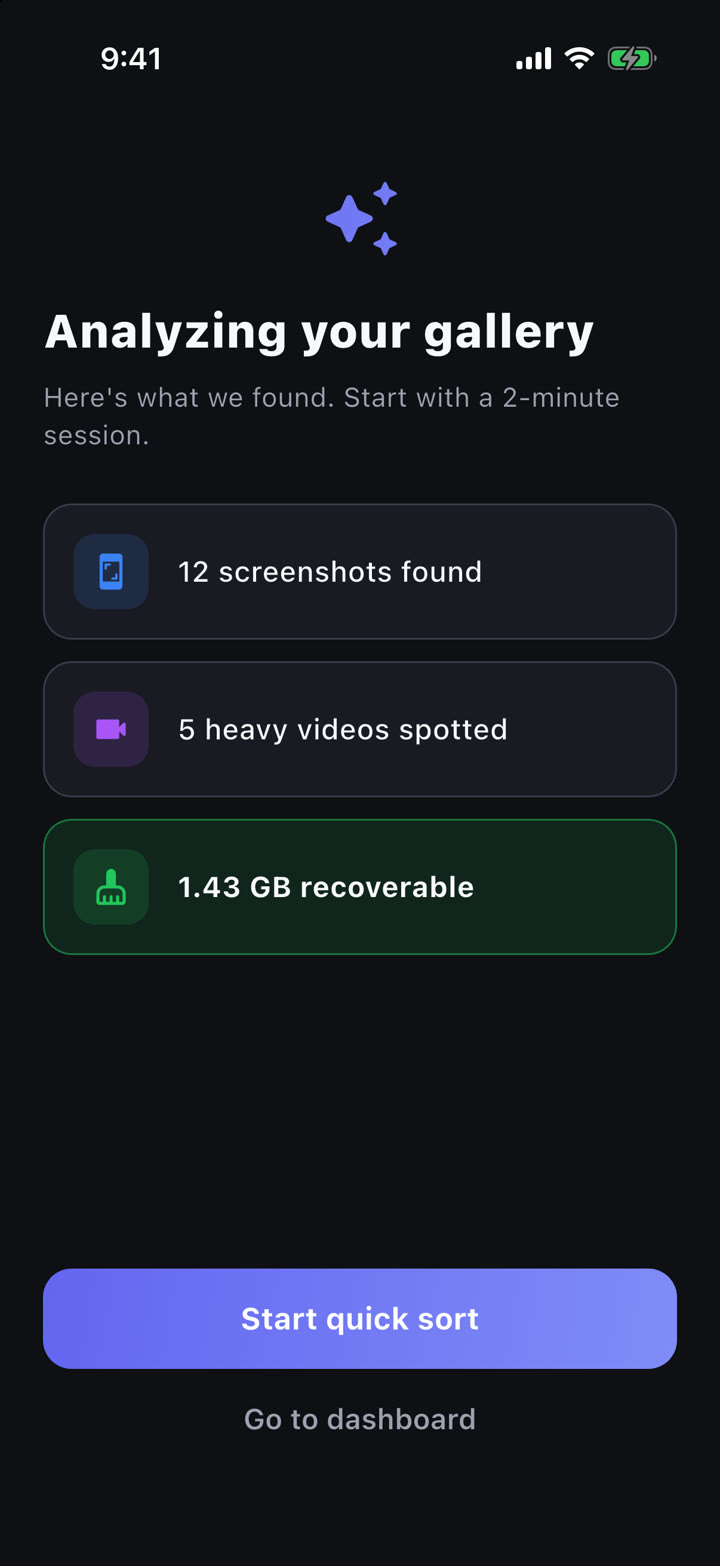
PhotoCorner groups exact copies and near-identical photos, after an image-by-image check to avoid false duplicates. You see each group, pick the photo to keep, and the app removes the rest.
- Burst tournament: the photos of a series face off two by two, you keep the winner.
- Duplicates and reclaimable space are always shown for free; cleaning is included in the free daily session of 50 memories.
- Everything is analysed on your iPhone, no AI and no server.
Good habits before merging
- Open a group if in doubt: two "identical" photos can have a different crop.
- With iCloud Photos, deletion happens on all your devices.
- Removed photos stay 30 days in Recently Deleted: empty it to really free the space.
FAQ
Since which iOS version does the Duplicates album exist?
Since iOS 16. On older versions you have to compare photos by hand or use an app.
Are a photo received on WhatsApp and the original duplicates?
Not for iOS: WhatsApp re-compresses images, so the pixels aren't identical anymore. An app that compares photos visually, like PhotoCorner, groups them as similar photos.
Does merging lose information?
iOS keeps one version and combines the useful details from the copies into it; the others go to Recently Deleted, where you can still recover them for 30 days.